
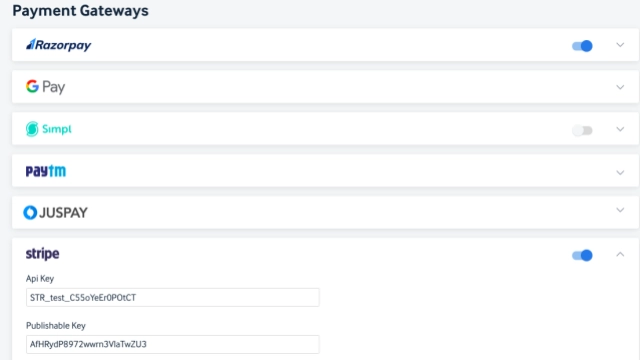
An account with the concerned payment gateway is required. The app key and secret key are required to connect the payment gateway with AT dashboard. The required parameters and setup differ for each payment gateway.
AT doesn’t handle the transaction- money paid by users never reaches Quintype’s payment accounts. It is directly handled by the corresponding payment gateway and is credited to the client’s account linked to AT.
-
Payment gateways that support one-time and recurring payments:
- Stripe
- Paypal
- Razorpay
- An international account is required to handle the payments
- Google pay- can be used in in-app purchases but doesn’t have recurring subscription support
Release Notes: June 5th, 2024
EPIC - Configure_Grace_Period
The implemented feature allows publishers to configure different grace periods for each payment gateway (e.g., Apple Pay, Google Pay, Razorpay) in AT, addressing the previous issue where AT had a fixed 4-day grace period.
Now, each gateway can have its own grace period, ensuring consistency between AT and the payment gateway. The configuration is added manually by the QT team, and subscribers will have access to content during the grace period, with the subscription status updated accordingly. This provides a more flexible and accurate experience for both publishers and users.
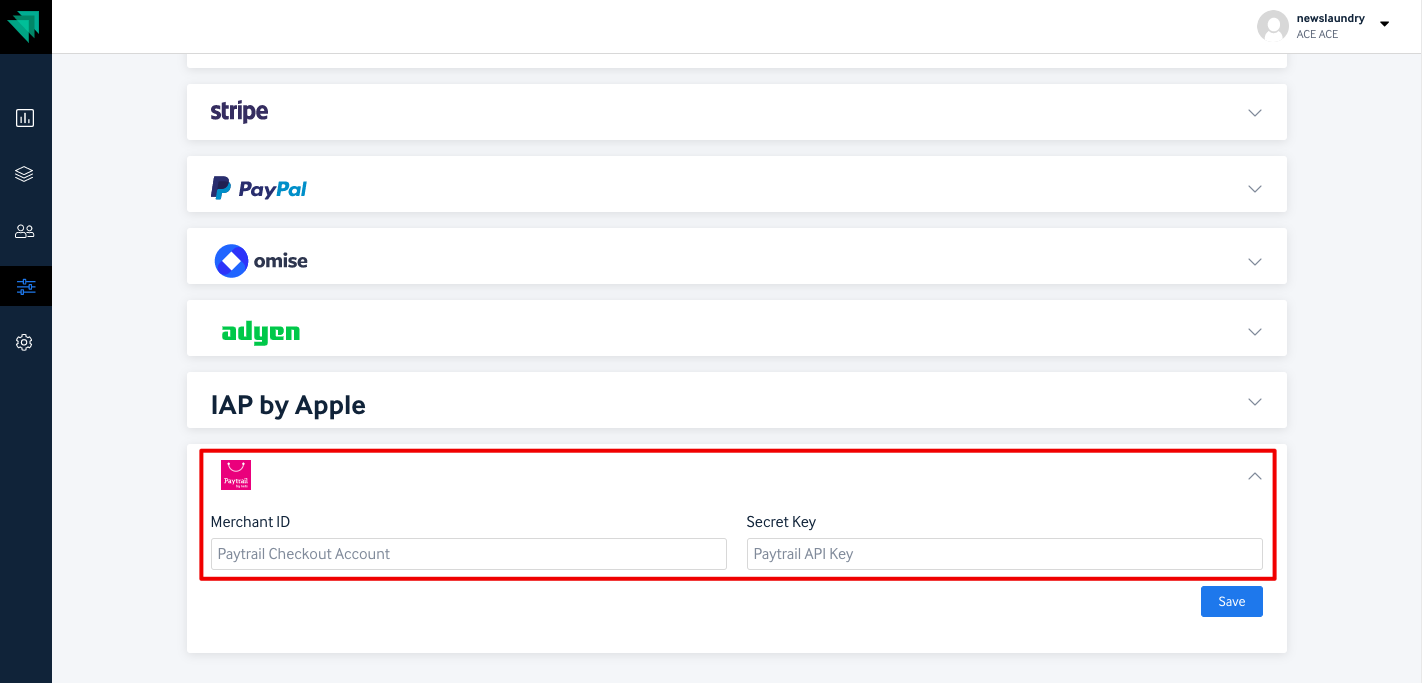
Paytrail payment gateway:
We’ve introduced a new Payment gateway “Paytrail” specifically targeting payments in Euros. Only payments in Euro will be accepted by Paytrail.
You need to add the Merchant ID and Secret Key from the paytrail account.
Release Notes: AUGUST 2019
What’s new
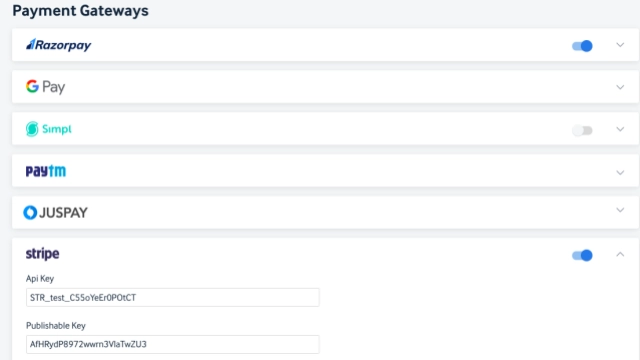
Stripe Payment Gateway Integration
We can now accept global payments with the new Stripe Payment Gateway integration. This gives more flexibility in accepting payments across multiple currencies from subscribers.
Release Notes: Aug 26th, 2024
Stripe Payment Gateway Connect upto 3 years plan
Initially AT was not supported to create a subscription for two years, with this enhancement now we will be able to create subscription upto 3 years.
Skip payment gateway
AccessType now skip the payment gateway and create a subscription when the plan value is "0". This can be for a use case when the entire plan amount is discounted using a coupon code.

Managing Juspay payment window
An error message is displayed to the subscriber when the Juspay payment gateway window is closed manually/accidentally .
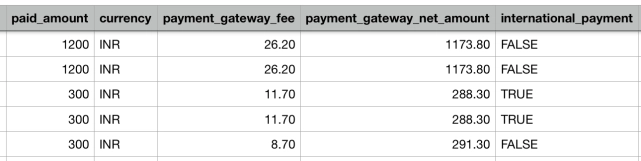
Included payment gateway fee
A new field termed payment gateway fee has been added in subscription report.
Release Notes: FEBRUARY 2019
What’s new
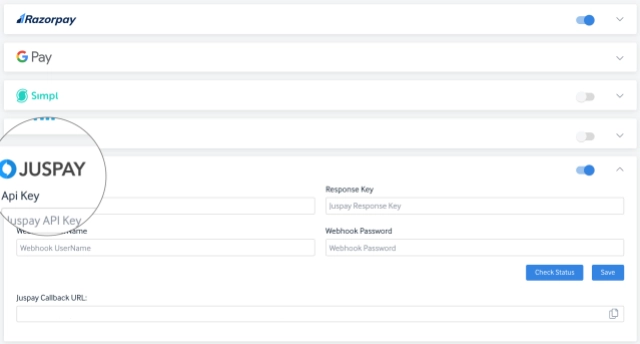
Juspay integration
Integration with payment aggregatorJuspayfor the iframe type of integration. Juspay's algorithms will choose the best payment gateways basis the best success rates and also take into account pre-defined priority logic to offer the most efficient payment options to customers. To create a Merchant account on Juspay write tosupport@juspay.in.
Proactive subscription creation
User subscriptions are created basis the response we get from payment gateway in cases where there were some errors/failures from the front end.
Release Notes: MARCH 2020
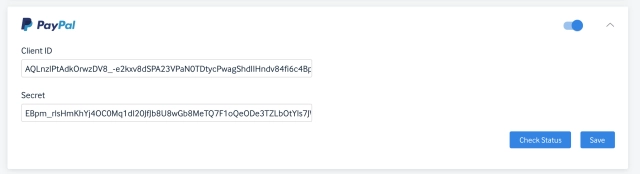
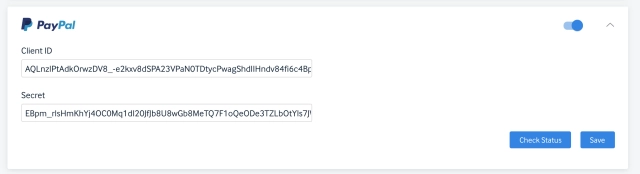
1. PayPal is now added on AccessType
We have added another payment provider "Paypal" which supports both one time and recurring subscriptions for multiple currencies.
Added new buttons in analytics dashboard
Select all and cancel all button has been introduced in AccessType to make the user experience better. Users can select a few groups to compare over different date range.
Improvements
Getting 500 error when payment_attributes is empty for juspay
If payment attributes are empty, payment error logs gets created and api will respond with 422 (Un-processable Entity) making it easy for error tracking.
Managing Juspay payment window
An error message is displayed to the subscriber when the Juspay payment gateway window is closed manually/accidentally .