
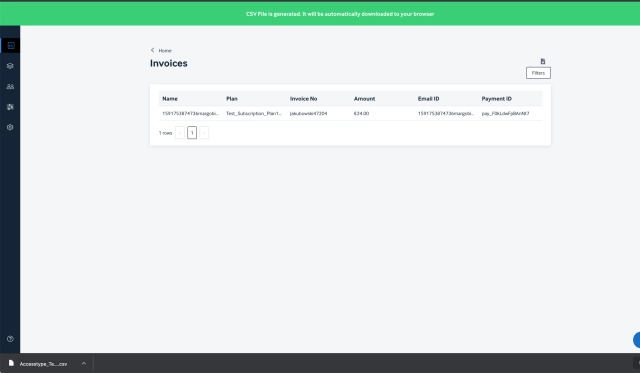
A separate page where we store only invoices- all transactions that happen in AT, will have an invoice. The payment id of the transaction can be used to check for the invoice- handy when there is a discrepancy in the transaction reported by the end user.
Invoices can be filtered and downloaded as well- this can be used to integrate payment information to any third-party financial services or to make pie charts and so on.
Release Notes: June 2020
What's new
Introducing Invoice listing page.
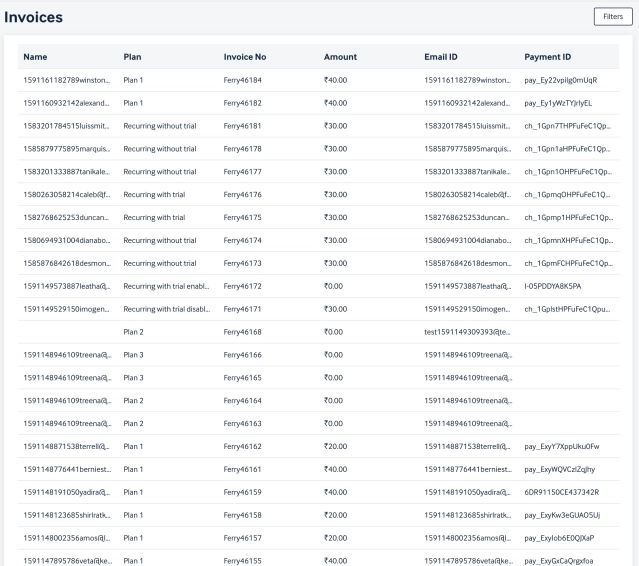
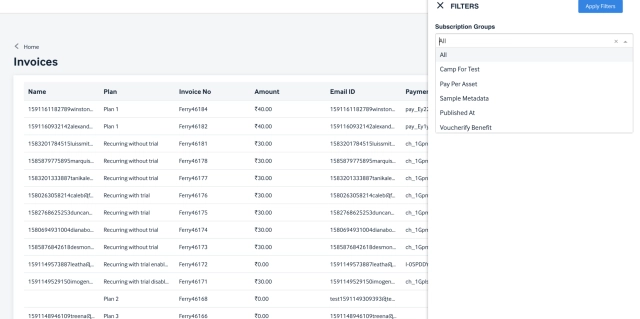
Select a specific group from the dropdown and apply them to see invoices against that group.
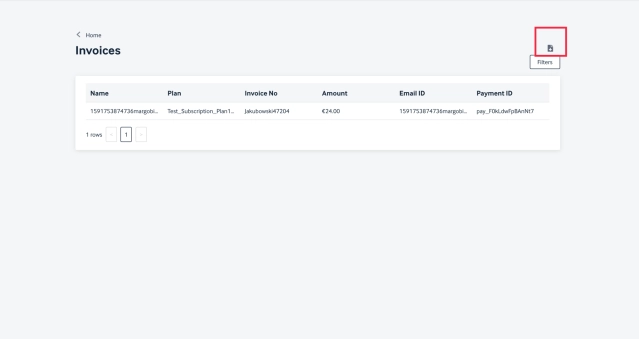
Users can download the report basis the filter applied by clicking on the 'Download' icon
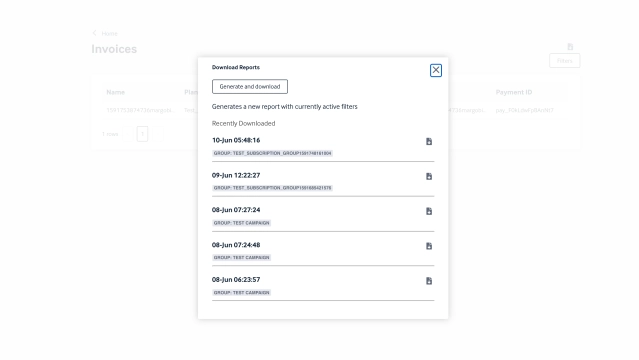
Upon clicking the download icon and selecting the "Generate & Download" option from the pop up, the reports gets generated and downloaded.
Users can also see the recently downloaded reports from this pop up and download them any number of times.
Once the report is generated users get a success message and the report will get auto downloaded into the browser.
Release Notes: MARCH 2019
What’s new
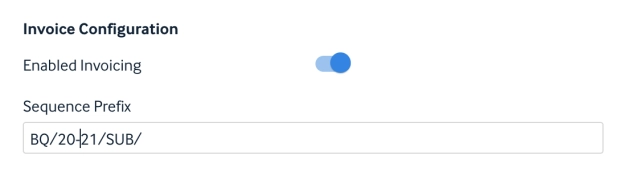
Reset Invoice sequence
A scheduled job has been introduced to reset invoice sequence and update its prefix for any account on 1st April 0000 hrs IST.
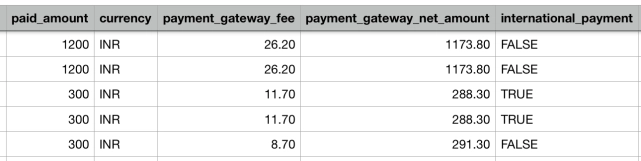
Included payment gateway fee
A new field termed payment gateway fee has been added in subscription report.
Modify Invoice payment mismatch alert
The new fix stops sending false alert for non generated invoice of a recurring subscription to the subscriber.
Improvements
Included price breakup for Invoices
Added a new field in invoice and subscription csv file called 'round-off' which will capture any amount that was rounded off when calculating amount paid.
