
The Home Page layouts need to be configured in two places.
1. In Page Builder
2. Home Collection & its ranking
It is a 1:1 mapping between a ranked 'Home Collection' in Bold against the layout in PB.
Example:
If you have 'Latest News' as the 1st 'ranked' in the home collection and a two-column six stories layout as the first layout in page builder, then the home page in the front end will display two column six stories layout with stories coming from the ‘Latest News’ collection. Likewise, the 2nd layout in the page builder takes stories from your 2nd 'ranked' in the home collection, and so on and so forth.
There are a total of 23 layouts that you can use on the home page/landing page.
Collection of the collection - This means when you use this layout, your corresponding mapping in 'Home Collection' should be a Collection and cannot just be a section.
Common settings for all the layouts:
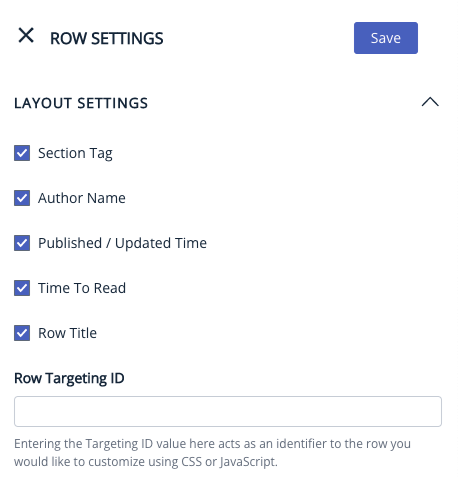
Layout settings: We can decide whether we want to display the section tag, author name, publish time, and time to read by checking/unchecking the respective box.
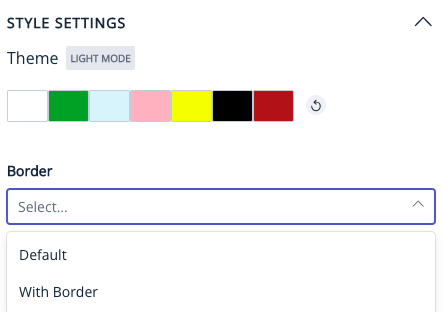
Style settings: To determine the background color for the layout. The color can be chosen from the 8 primary colors for the website.
Button settings:
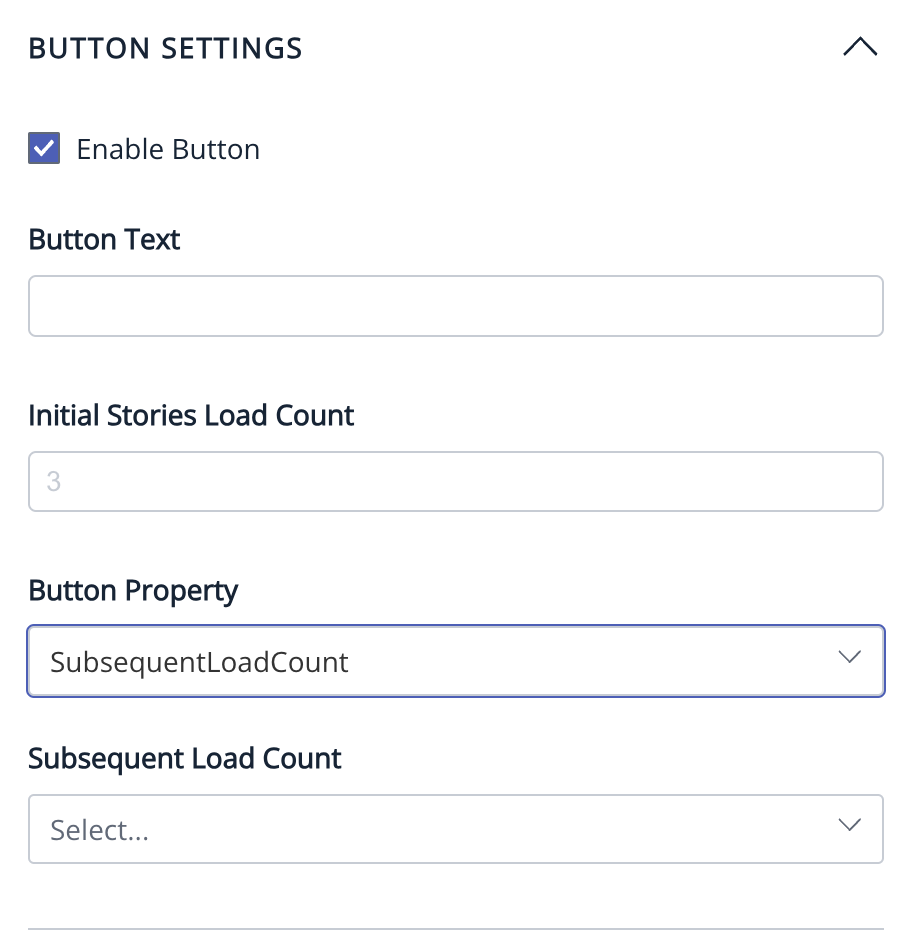
The ‘read more’ button can be customised to display any text of our choice. By default, the ‘read more’ button redirects to the section page that it is mapped to. Some layouts have the option of a subsequent load count which loads the subsequent stories in the section on the same page.
To load additional stories upon clicking the "Read more" button, you need to input the "Initial Stories Load Count" and set the Button Property to "SubsequentLoadCount." Then, specify the number of stories to be loaded under "SubsequentLoadCount."
. 
.
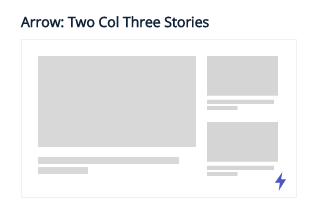
1. TWO COLUMN THREE STORIES: It displays 3 stories with one story occupying the most space. This layout supports the collection of stories page type. There is no Ad/Widget slot. The ‘read more’ button does not have a subsequent load count.
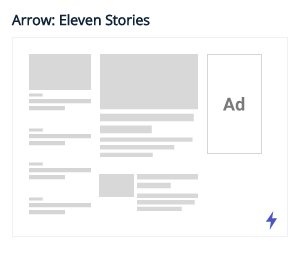
2. ELEVEN STORIES: It displayed 11 stories with two stories being highlighted in the middle. This layout supports the collection of stories page type. There is an Ad/Widget slot. The ‘read more’ button does not have a subsequent load count.
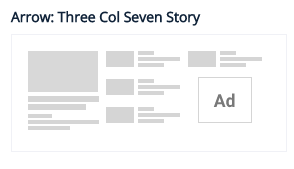
3. THREE COLUMN SEVEN STORIES: It displays 7 stories in 3 rows with one story occupying the most space. This layout supports the collection of stories page type. There is an Ad/Widget slot. The ‘read more’ button does not have a subsequent load count.
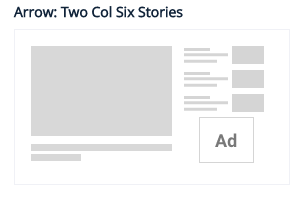
4. TWO COLUMN SIX STORIES: It displays six stories in two columns with one story occupying the most space. This layout supports the collection of stories page type. There is an Ad/Widget slot. The ‘read more’ button does not have a subsequent load count.
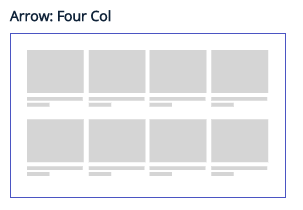
5. FOUR COLUMN: It displays four stories in a row. This layout supports the collection of stories page type. It does not have an Ad/Widget slot. The ‘read more button’ has a subsequent load count.
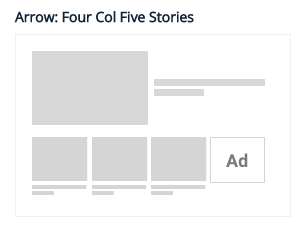
6. FOUR COLUMN FIVE STORIES: It displays stories in 2 rows with one story occupying the most space. This layout supports the collection of stories page type. There is an Ad/Widget slot. The ‘read more’ button has a subsequent load count.
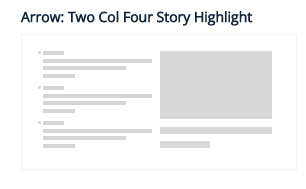
7. TWO COLUMN FOUR STORY HIGHLIGHT: It displays four stories in two columns with one story occupying the most space on the right-hand side. This layout supports the collection of stories page type. There is no Ad/Widget slot. The ‘read more’ button does not have a subsequent load count.
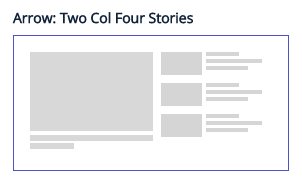
8. TWO COLUMN FOUR STORIES: It displays stories in two columns with one story occupying the most space. This layout supports the collection of stories page type. There is no Ad/Widget slot. The ‘read more’ button does not have a subsequent load count.
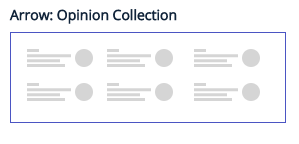
9. OPINION COLLECTION: it displays six stories in 2 rows with the name of the author being highlighted. This layout supports the collection of collection page type. It does not have an Ad/Widget slot. The ‘read more’ button does not have a subsequent load count.
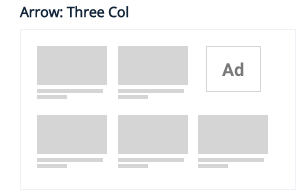
10. THREE COLUMN: It displays three stories in a row. It has an Ad/ Widget Slot. This layout supports the collection of stories page type. The ‘read more’ button has a subsequent load count.
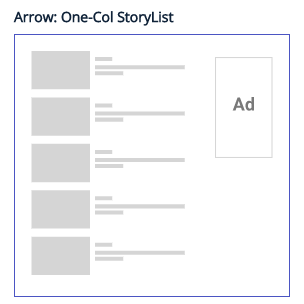
11. ONE COLUMN STORY LIST: It displays stories in a single column as a list. This layout supports the collection of stories page type. There is an Ad/Widget slot on the right-hand side. The ‘read more’ button has a subsequent load count.
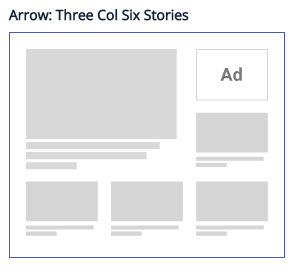
12. THREE COLUMN SIX STORIES: It displays 6 stories in 3 rows with one story occupying the most space. It has an Ad/Widget slot. This layout supports the collection of stories page type. The ‘read more’ button does not have a subsequent load count.
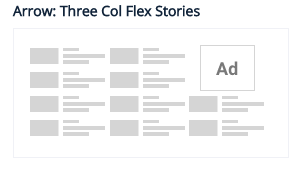
13. THREE COLUMN FLEX STORIES: It displays 12 stories at a time in a grid format of 3 columns and 4 rows. This layout supports the collection of stories page type. There is an Ad/Widget slot. The ‘read more’ button has a subsequent load count.
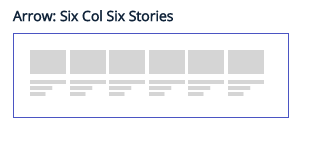
14. SIX COLUMN SIX STORIES: It displays six stories in a row. It does not have an Ad/Widget slot. This layout supports the collection of stories page type. The ‘read more’ button has a subsequent load count.
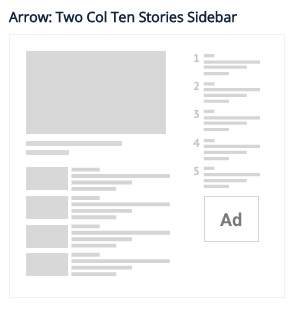
15. TWO COLUMN TEN STORIES SIDEBAR: It displays stories in multiple columns and two rows with one story occupying the most space and other stories being displayed in a list. It has an Ad/Widget slot. This layout supports the collection of collection page type. The ‘read more’ button does not have a subsequent load count.
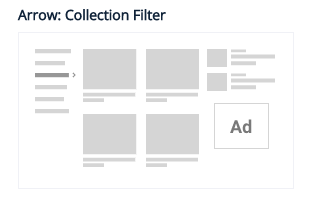
16. COLLECTION FILTER: This layout supports the collection of collection page type. The maximum number of collections that can be mapped to the main collection is 11. It has an Ad/Widget slot. The read more button does not have a subsequent load count.
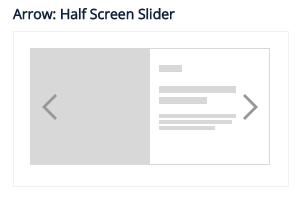
17. HALF SCREEN SLIDER: It displays one story at a time with the hero image being displayed on the left side and the headline on the right side. The slider can be configured to determine the number of stories to be displayed with the option of autoplay as well.
This layout supports the collection of stories page type. There is no Ad/Widget slot. The ‘read more’ button does not have a subsequent load count.
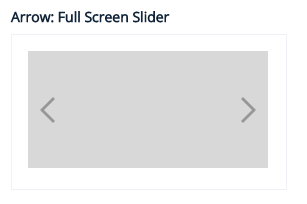
18. FULL SCREEN SLIDER: It displays one story at a time and the story occupies the entire space of the layout with the hero image being displayed. The slider can be configured to determine the number of stories to be displayed with the option of autoplay as well. This layout supports the collection of stories page type. It does not have an Ad/Widget slot. The ‘read more’ button does not have a subsequent load count.
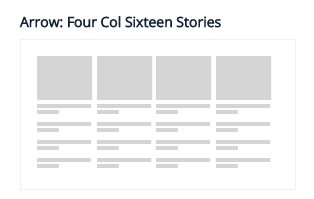
19. FOUR COLUMN SIXTEEN STORIES: It displays 16 stories at a time in 4 columns and 4 rows. It can also display stories from 4 different collections mapped to a main collection in separate columns. This layout supports the collection of stories/ collection of collection page type. Each column has a ‘read more’ button with no subsequent load count and redirects to the section collection page that it displays. There is no Ad/Widget slot.
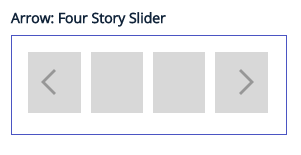
20. FOUR STORY SLIDER: It displays 4 stories in a row. The slider can be configured to determine the number of stories to be displayed with the option of autoplay as well. This layout supports the collection of stories page type. There is no Ad/Widget slot. The ‘read more’ button does not have a subsequent load count.
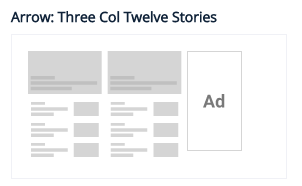
21. THREE COLUMN TWELVE STORIES: It can display stories from three collections within a main collection in 3 different columns. Each column has a ‘read more’ button which redirects to the section that column is displaying. This layout supports the collection of collection page type. It does not have a subsequent load count. There is an Ad/Widget slot.
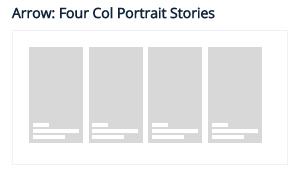
22. FOUR COLUMN PORTRAIT STORIES: It displays four stories in a row with the hero image highlighted and the headline at the bottom. This layout supports the collection of stories page type. It does not have an Ad/Widget slot. The ‘read more’ button has a subsequent load count.
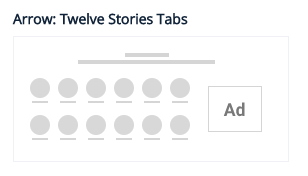
23. Astrolology Collection (or) Twelve Stories Tab: This layout can display multiple collections within a main collection. This layout supports the collection of collection page type. The maximum number of collections that can be mapped to the main collection is 6. It also has an Ad/Widget slot. The ‘read more’ button does not have a subsequent load count.
To know more about what is meant by collection and how to do 'Home Collection', please refer to this link
Page-Builder Release Note - 21st April 2025
Enhancement: Minimum Width Update for Hero Images
We’ve updated the minimum width for hero images across all layouts to 1200px. This change helps ensure better visibility of content and improves alignment with platform recommendations like Google Discover.
Going forward, all large images on the site should be at least 1200px wide to support optimal display and reach.
Page-Builder Release Note - 24th June 2024
Option to Customise Section / Collection Name as Row Title for COS Layouts
Prior to the update: Currently, the option to update row titles is limited to specific layouts such as the Three-column seven-story layout and the Four-column layout. To avoid duplicate layouts across each section due to customised landing pages, there needs to be an option to change the row title for all layouts.
Following the update: We have expanded the support for updating row titles to more layouts, providing greater flexibility for customisation. This enhancement ensures that clients can maintain their customised landing pages without needing to duplicate layouts across sections.
Page-Builder Release Note - 27th May 2024
Feature - New Layouts Added In Tag Page
Prior to the update: When we open the tag page and try to change the layout there was only two layouts and they were 3 Col and 1 Col Story List.
Following the update: Two new layouts have been added to the tag page. The new additions are 4 Col 5 stories (for Image heavy) and 6 col 6 stories.
It is always recommended to set this page up with Subsequent load count enabled.

Page-Builder Release Note - 11th May 2023
Layout issue for two column six stories and three column twelve stories for RTL pages
Behaviour before the change: For 2 col 6 stories and 3 col 12 stories Text was not properly synchronised with images which was not a good user experience.
Behaviour after change: After the fix, images coming on the left-hand side will have synchronised text on the right-hand side. The team has changed the image resolution to a small size
Resizing of images across all rows and aside collection
Earlier page builder used to show small-size images as the text area was covering more space in any of the layouts we pick from Page Builder. Resulting it was not a good UI experience having small-size images with more text.
What has changed now?
The team has fixed the sizing of images for all such pages and increased image size so that images won’t look smaller compared to the text area and gives a good UI experience to readers.